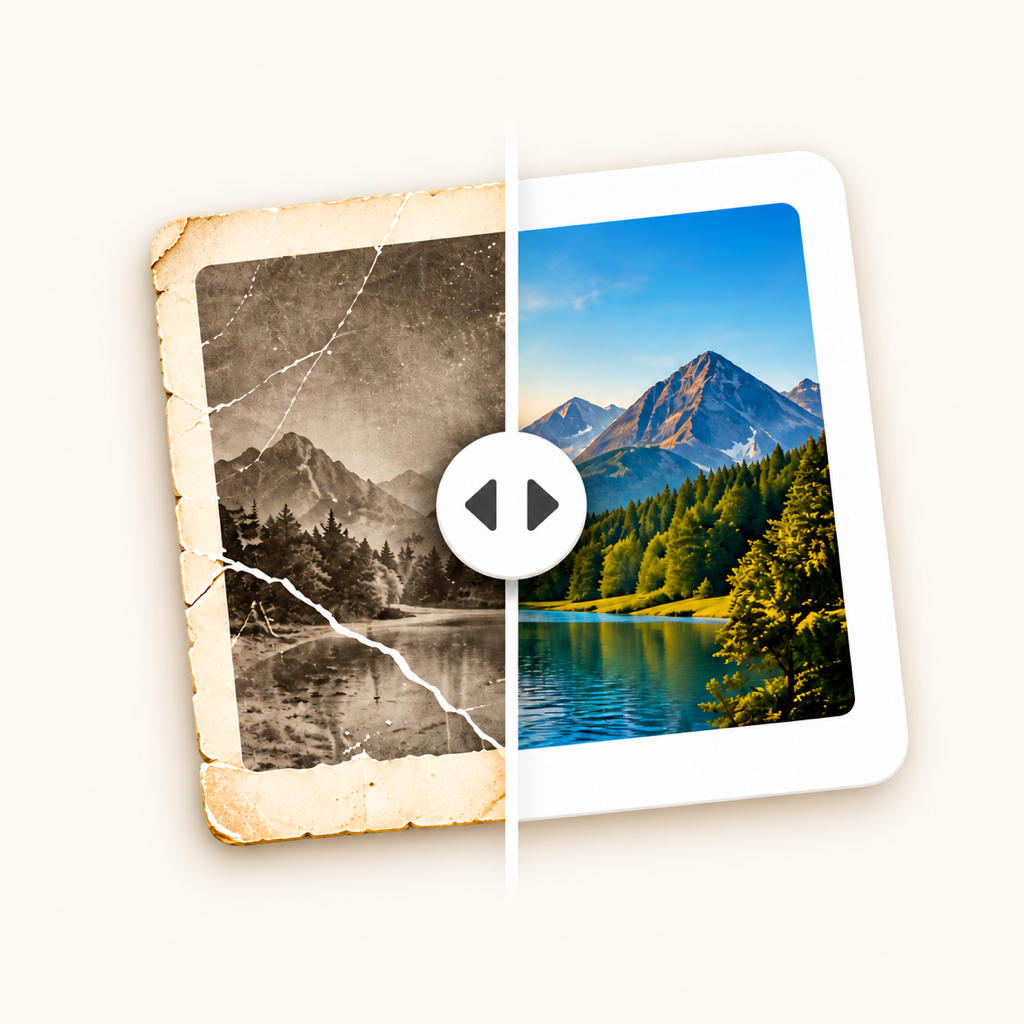


Repair the marks of time
Repair scratches, cracks and faded areas, and improve lighting and exposure.
FOR MEMORIES THAT STAY
Restore your memories, repair damage and bring back colour. Your favourite photographs deserve another look.
For iPhone and Android. Your first restoration is free.
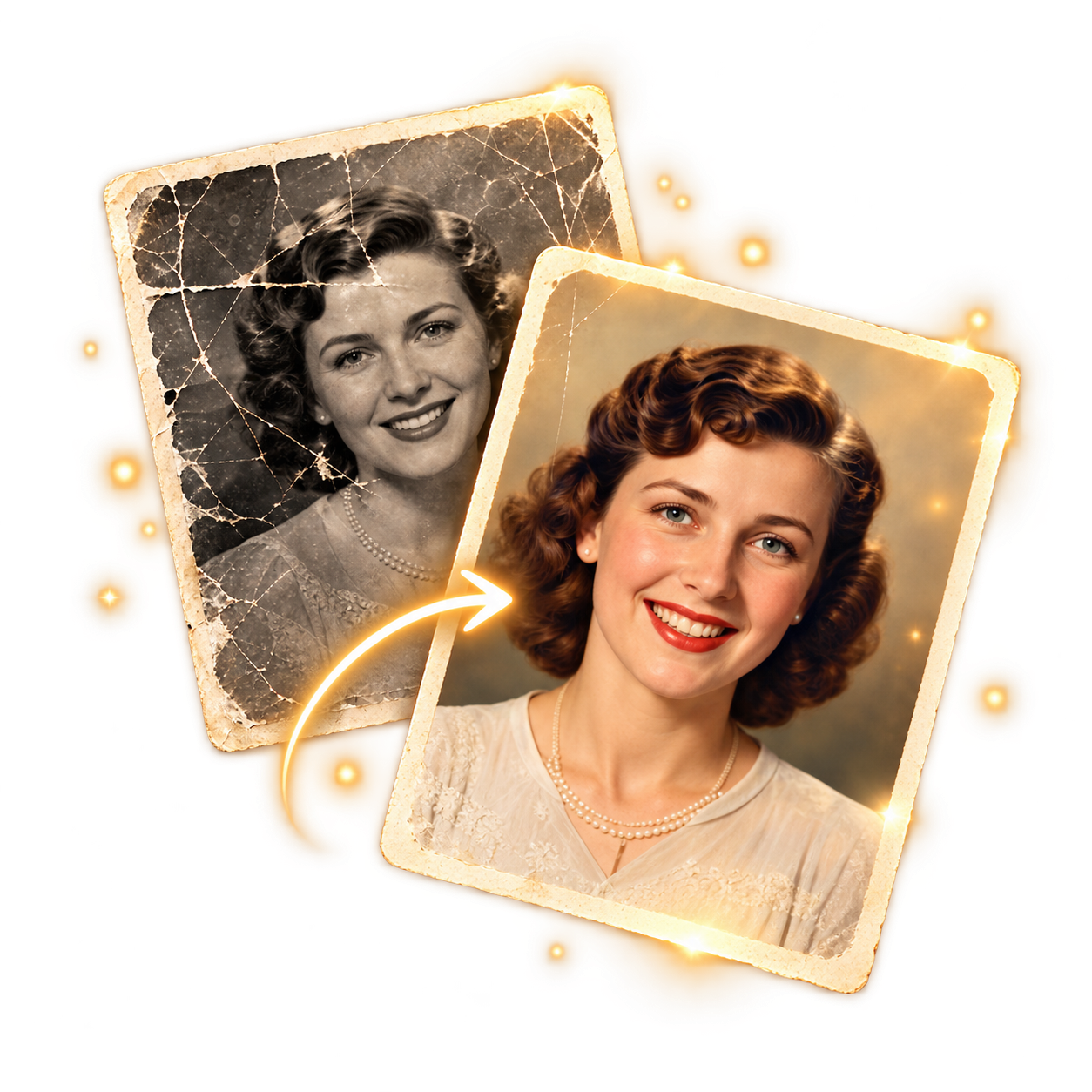
Fewer scratches and signs of wear
Better light and colour
An enlarged photo to keep
SMALL STEPS. PRECIOUS MEMORIES.
A portrait of your grandmother, a family holiday or your first home together. Start with a photograph that means something to you.
Choose a photo from your phone, or use the camera to capture a printed photograph. Adjust the edges and confirm the crop.
With your consent, your photo is temporarily uploaded for processing. AI repairs damage and lighting, restores colour and prepares an enlarged result.
Slide between before and after. Choose colour or black and white, then save it to Photos or share it with your family.
A LITTLE MORE CARE FOR THE DETAILS
Your photos are automatically saved in the app on your device. No public gallery. On Android, sign in with Google; no sign-in is needed on iPhone.
Repair scratches, cracks and faded areas, and improve lighting and exposure.
A colour result or a timeless black-and-white version. Switching happens on your phone and uses no extra restoration.
Save the enlarged result to Photos, or send it to someone who will recognise the photograph.
START WITH ONE PHOTOGRAPH
Your first use includes one free restoration. For the memories that follow, choose a pack in the app.
Packs are one-time purchases, with no subscription. Prices are shown in the app and your store. iPhone and Android credits are separate.
Yes. Download Oživi for Android from Google Play, or for iPhone from the App Store. For Android sign-in, purchases and photos, see Android support.
Old portraits, family photos, landscapes and other photographs you have the right to process. Results depend on the quality of the original. Very small or badly damaged faces and text are especially challenging for AI.
Colours and missing details are inferred by AI. Restoration can change features or small details. Always compare the result with the original; you can choose a black-and-white version without processing the image again.
The archive in the Photos tab is stored only on your device. It does not sync between devices and is not recovered by reinstalling the app. Export important results to Photos or keep a copy elsewhere.
If restoration fails before a result is sent, the reserved restoration is released. If only enlargement is interrupted, the already restored photograph may still be delivered without enlargement. A restored result already sent uses one restoration. See the terms of use for iPhone or Android for details.
No. Deleting or recreating an account does not renew a used free restoration or restore deleted purchased credits. iPhone and Android use separate accounts and balances. For Android, you can also request account deletion online.